Limited team capacity
Status knowledge lives across inboxes and individual staff members.
Teams juggle funding, people, programs, properties, and partner work while answering to boards and supporters. A connected record can make the next action and evidence easier to find.

Teams juggle funding, people, programs, properties, and partner work while answering to boards and supporters. A connected record can make the next action and evidence easier to find.
“Can we see what our commitments produced and where support is needed?”
SEIN can help connect the relevant information, people, and work. The right workflow depends on your current systems and operating model.
These are common operating challenges to explore with your team. Their scope and priority vary by organization.
Status knowledge lives across inboxes and individual staff members.
Partner commitments and project work are hard to follow together.
Board and funder updates require repeated manual assembly.
The goal is to make your team’s decisions and handoffs easier to follow, with information that supports the work.
Show leadership current program activity and available outcome evidence.
Keep partners and resource decisions connected to the mission.
Coordinate deliverables without relying on individual inboxes.
Nonprofit developers build, acquire, or rehabilitate properties to advance their mission. Alongside program and partner coordination, that work brings site decisions, development funding, construction milestones, and long-term property stewardship.
Explore workflows designed specifically for nonprofit development teams, from evaluating a site to delivering the project and understanding the portfolio.
Explore Nonprofit Developers →Start with Rover, Sherpa, or Atlas based on your needs. Each product works independently; connect them when it helps your team carry decisions into delivery and ongoing oversight.
Three product roles connect decisions, execution, and insight. The sequence and configuration depend on the work your team needs to run.
 Rover
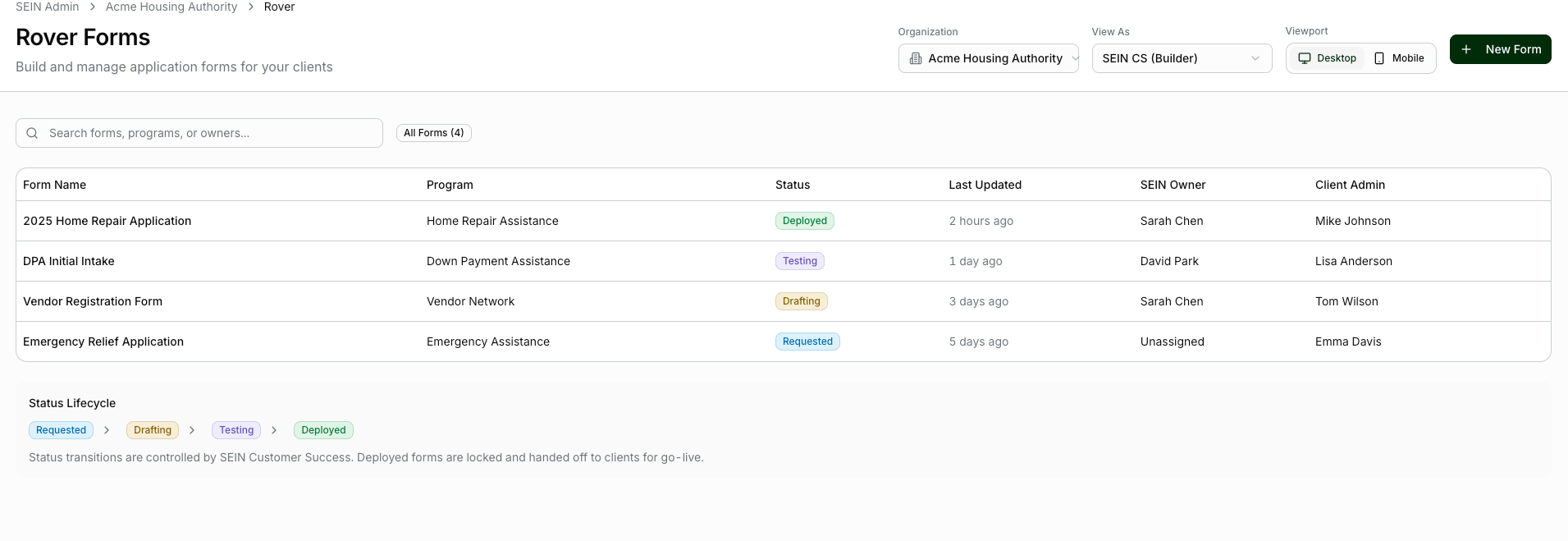
Organize program opportunities, partner relationships, applications, and decisions.
Use Case: Community opportunity and partner review
Outcome to pursue: Keep partners and resource decisions connected to the mission.
Sherpa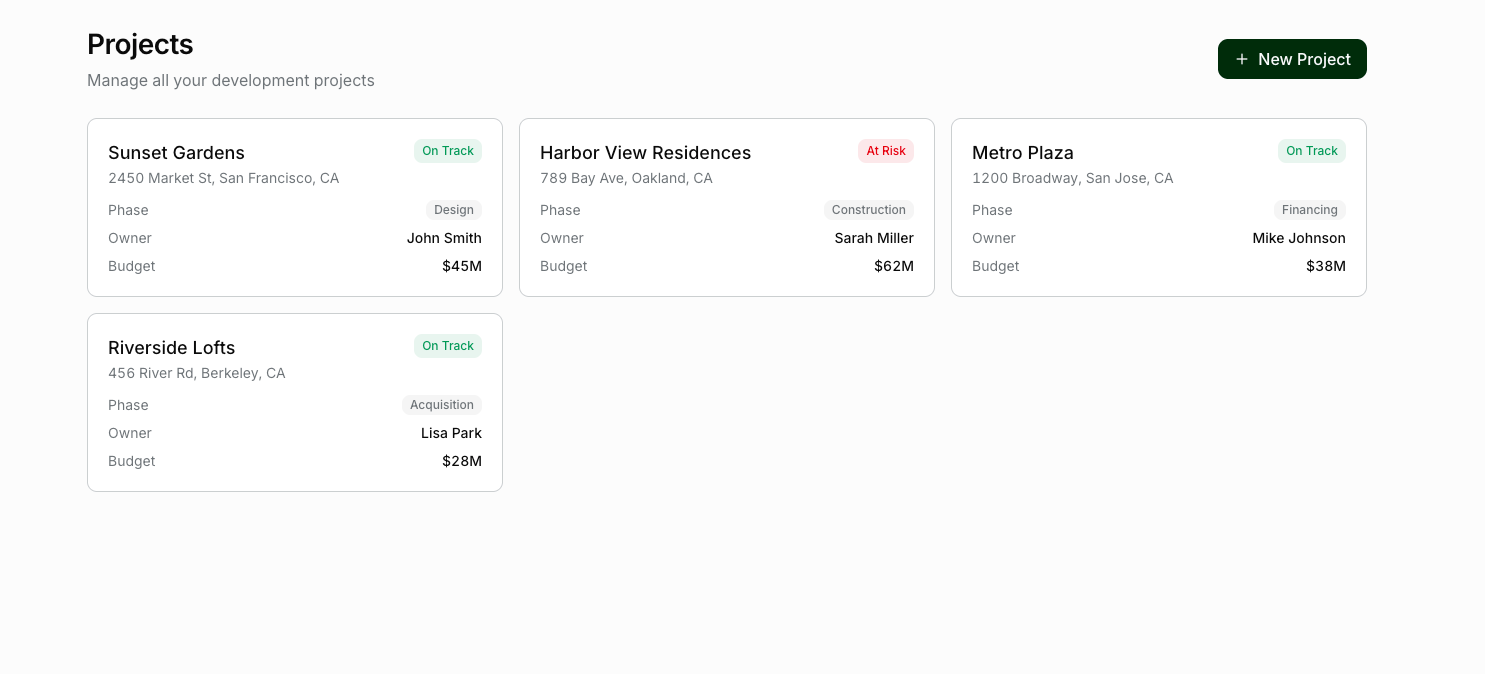
Track deliverables, owners, deadlines, documentation, and reporting commitments.
Use Case: Program deliverables and funder reporting
Outcome to pursue: Coordinate deliverables without relying on individual inboxes.
Atlas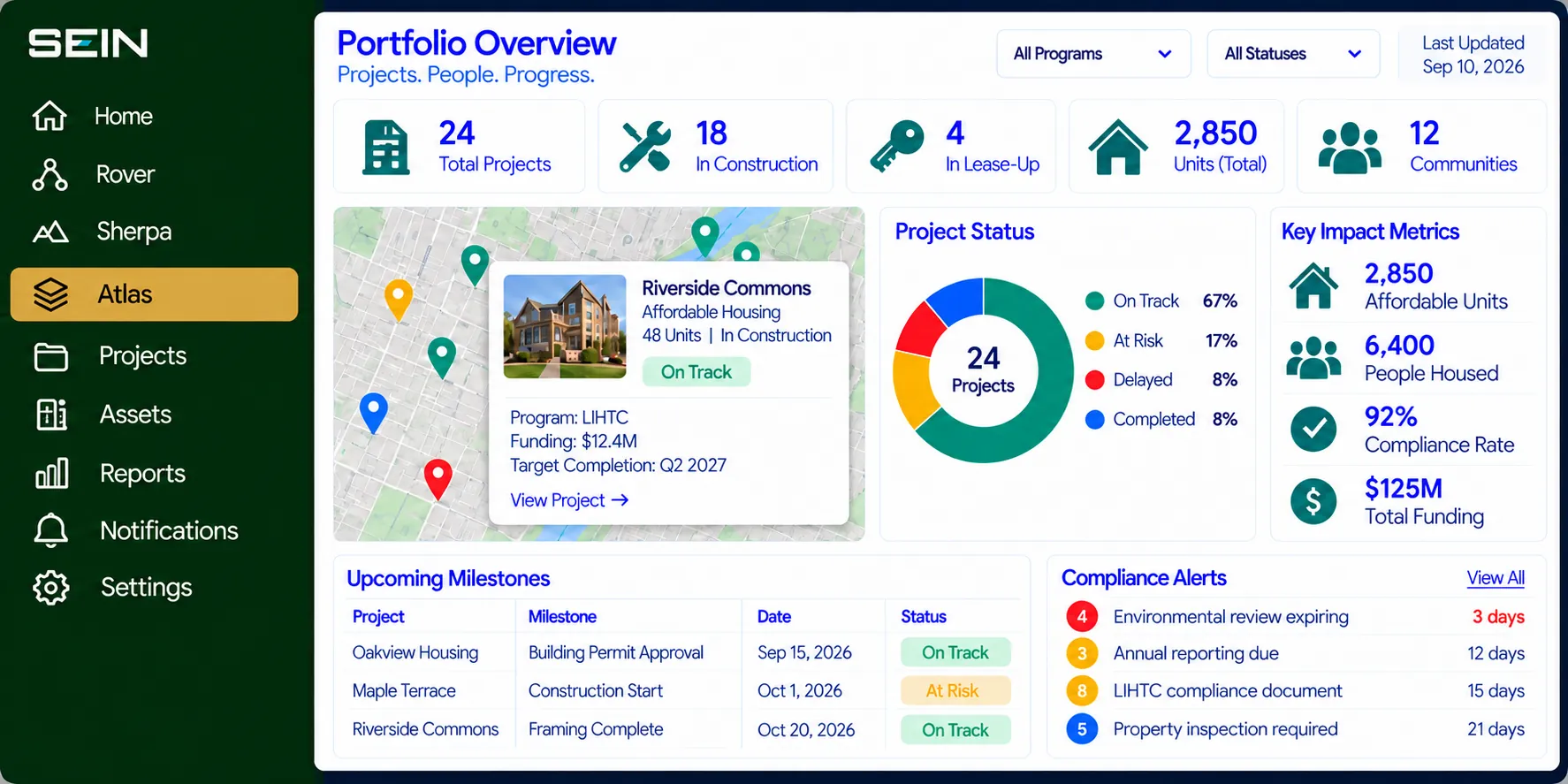
Review relevant properties, programs, project progress, and documented outcomes.
Use Case: Program and outcome visibility
Outcome to pursue: Show leadership current program activity and available outcome evidence.
Explore how your team could use SEIN to address these challenges. Workflows, data sources, and success measures are defined around your operation.
The Challenge: A lean team secures support for a housing initiative, but partner commitments, property information, and grant conditions live in separate files.
How SEIN helps: Rover organizes partner opportunities and the decision to proceed. Sherpa assigns delivery milestones and required documents. Atlas keeps available property and program context connected.
What better looks like: The team has a shared starting point for delivery instead of relying on one person to remember every commitment.
The Challenge: A staff transition leaves an active project with unanswered questions about approvals, missing documents, and partner follow-up.
How SEIN helps: Sherpa keeps responsibilities, milestones, and recorded decisions with the work. The incoming team member can review open items and identify which partner owns the next action.
What better looks like: Greater continuity through staff changes and a clearer path to resolving stalled work.
The Challenge: A board asks which initiatives are progressing and which need attention. Staff spend preparation time chasing project updates and supporting evidence.
How SEIN helps: Sherpa provides current delivery context. Atlas brings available property, program, and documented outcome information into the review so staff can trace an exception back to its source.
What better looks like: A more useful board conversation about priorities, obstacles, and evidence of progress.
Connect partner commitments, property needs, and funded work so teams spend less time reconciling updates and more time moving priorities forward.
Connect property use, available condition information, and improvement priorities to identify underused space and focus limited resources.
In an operations assessment, we map how opportunities enter, who makes decisions, what happens after approval, and which records your team relies on. We then define the right product scope and implementation path together.
Start with one workflow that matters.
Define stages and roles, connect the required information, validate the handoffs with users, then expand to related work as the process proves useful.
Tell us where work gets stuck. We’ll explore where SEIN could help.